Pikka AI: three AI products for language access.
Pikka Talk handles everyday multilingual work. Pikka Speech powers simultaneous interpretation for events. Pikka Doc translates Word, Excel, and PowerPoint documents with formatting preserved. Together they cover speech and documents across 90+ languages and dialects.

Pikka AI
Talk for work. Speech for events. Doc for documents.
Pikka Talk
Live speech workspace
For everyday multilingual conversations, online meetings, transcripts, and team speech workflows.
Learn morePikka Speech
AI simultaneous interpretation system
For conferences, town halls, broadcasts, and events where one speaker needs to reach many languages at once.
Learn morePikka Doc
AI document translation
For Word, Excel, and PowerPoint files that need to arrive in another language with formatting untouched.
Learn moreOne suite. 90+ languages and dialects.
Conversations, events, and documents — every Pikka product speaks your audience's language, from Mandarin and Malay to Arabic, Japanese, and Spanish.
Choose the product that matches the work.
All three products share Pikka AI translation workflows, but each is built for a different setting — conversations, events, and documents.
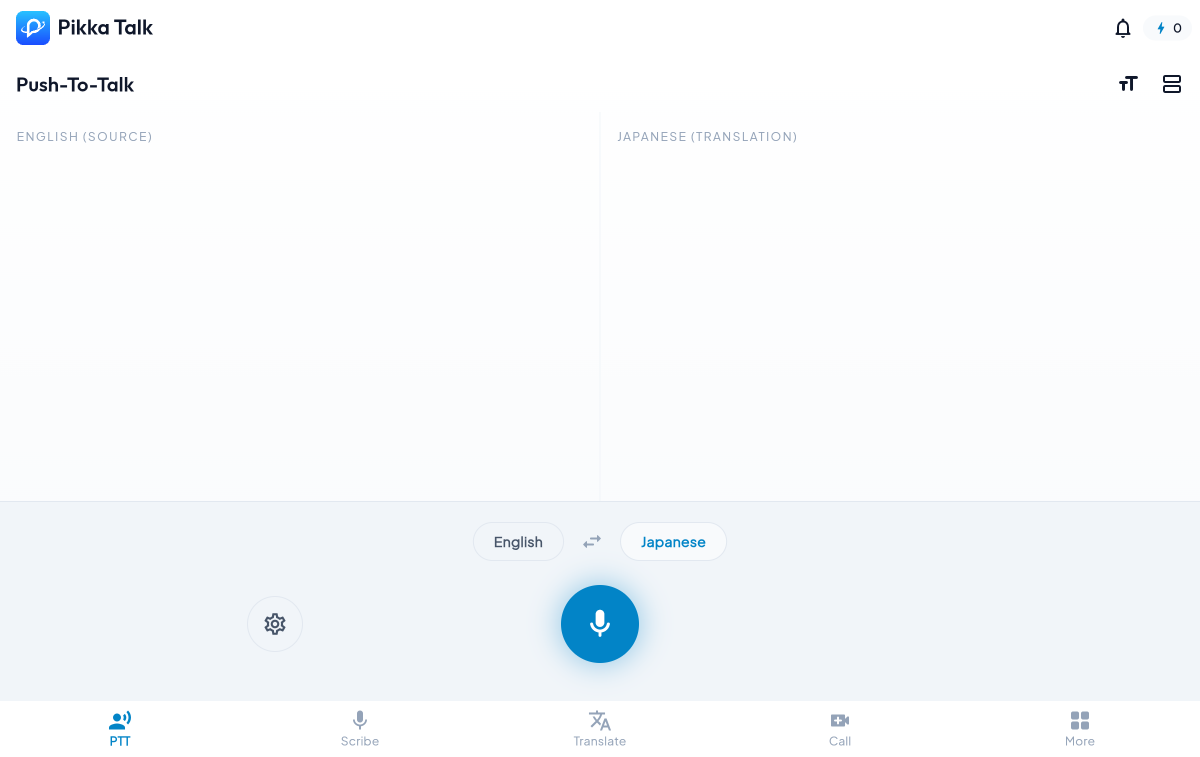
Four meeting modes, one saved record.
Pikka Talk rooms support codes, scheduled meetings, camera and subtitle controls, language setup, vocabulary context, invite sharing, and transcript saving after the call.
Open meetingsTranscription for live captions and records
Translation for source plus target captions
Push-To-Talk for intentional translated speech
Dubbing for translated voice output
Built for the whole speech workflow
Talk is not only a live caption screen. It keeps the session context, usage, and review workflow in the same product.
Talk
Live work, one person or team
Use PTT, Scribe, Translate, Meeting, vocabulary, saved records, and virtual mic routing during active conversations.
Speech
Language access for events
Create event rooms, share QR access, configure a catalog of 142 listener language or dialect options, and export session transcripts.
One brand
Speech becomes reusable
Across Pikka's products, spoken sessions can become translated output, captions, transcripts, summaries where offered, and exportable material.
Founder
Built from translation work, not from a demo.
Aery Goh founded Translife in 2005, then built Pikka AI from translation-field knowledge and programming. The suite is Pikka Talk for conversations, Pikka Speech for events, and Pikka Doc for formatted documents.
Read the founder storyStart with Talk or host with Speech.
Use Talk when the work is a conversation, meeting, transcript, or translation session. Use Speech when the work is an event with many listeners choosing their own languages.