Pikka Talk: AI transcription, live captions, and subtitles for every conversation.
Pikka Talk combines AI transcription, AI live captions, and AI subtitles with real-time translation, push-to-talk interpretation, and online meeting records in one workspace.
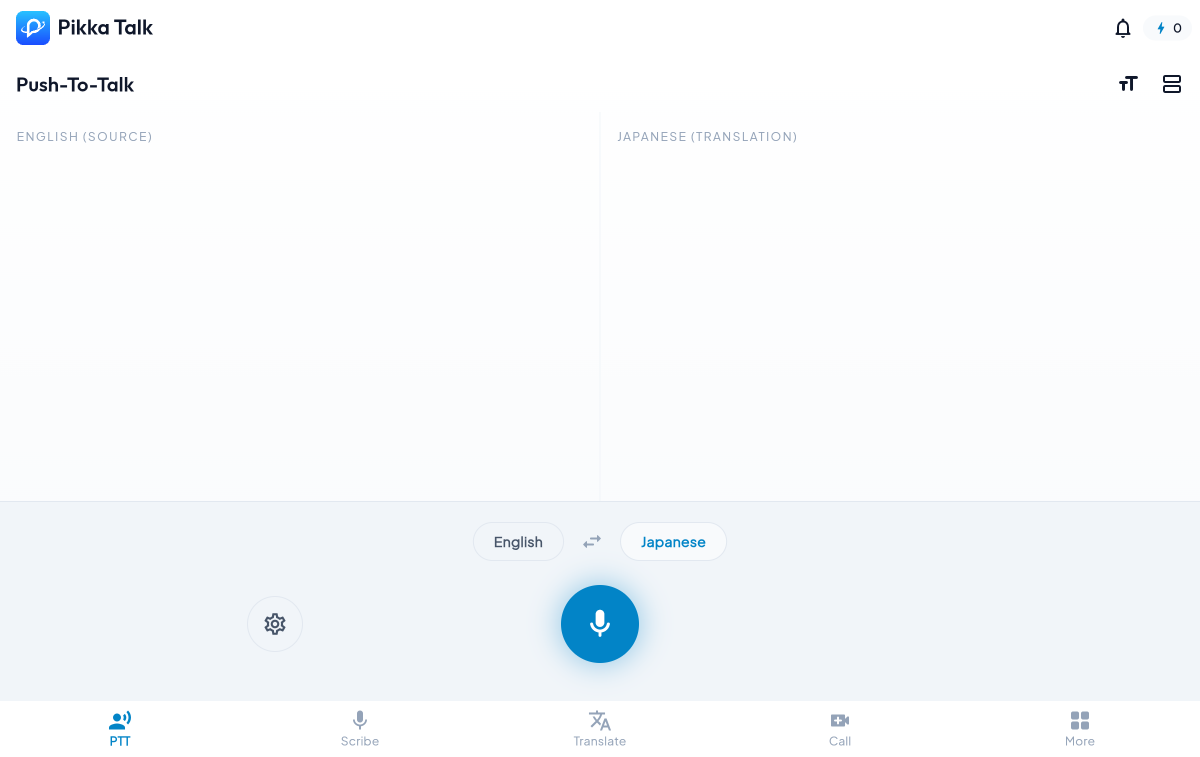
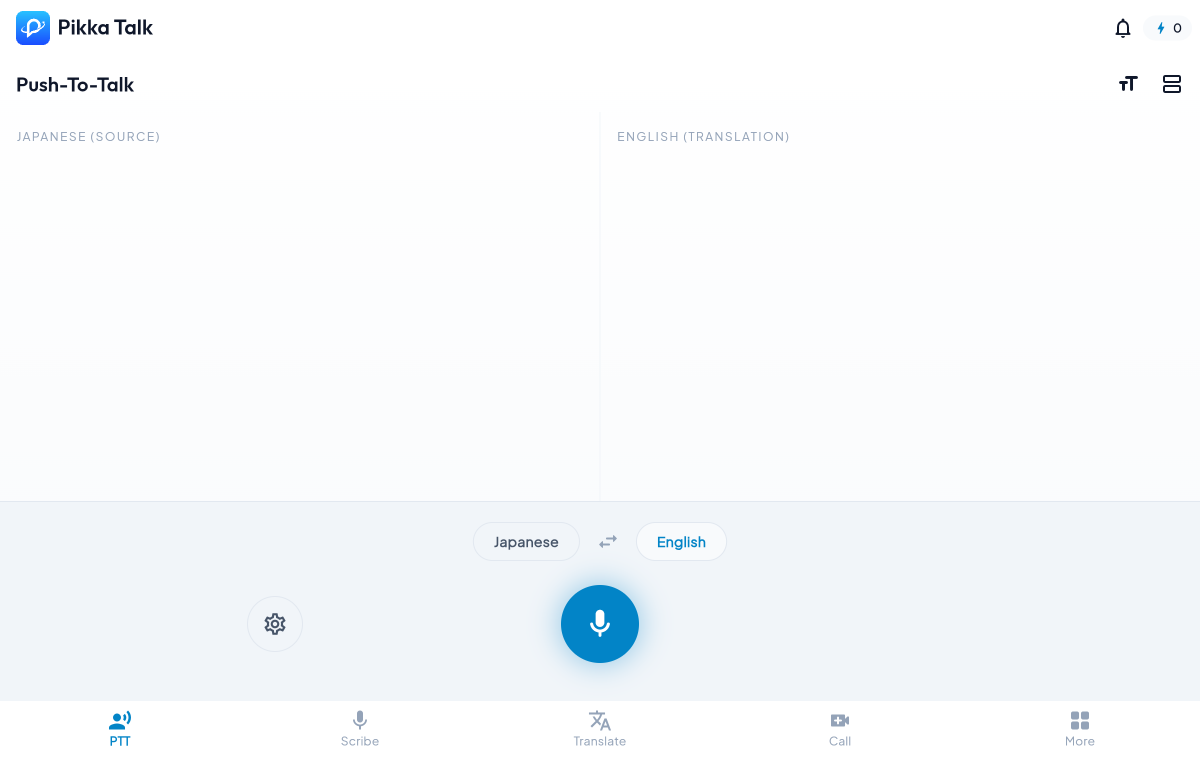
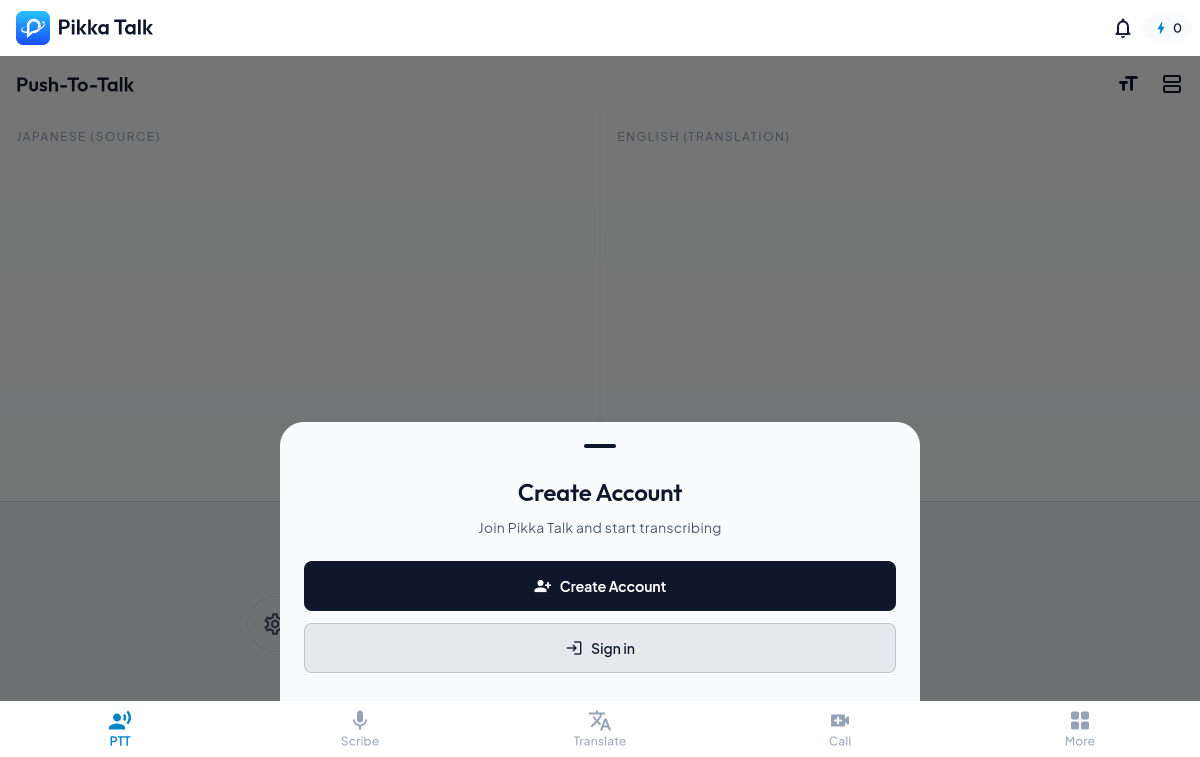
Product screens from the current Talk app
Real captured desktop and mobile surfaces for Push-To-Talk, language switching, account prompts, navigation, and sign-in.
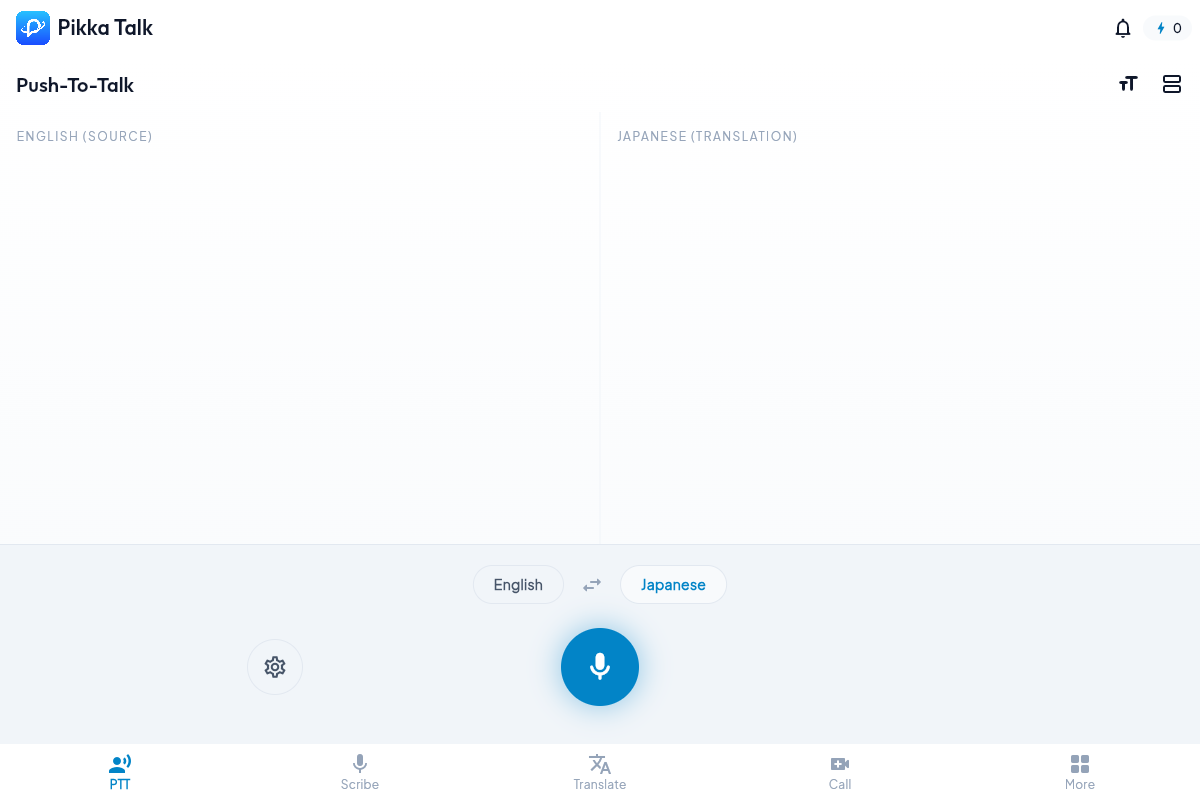
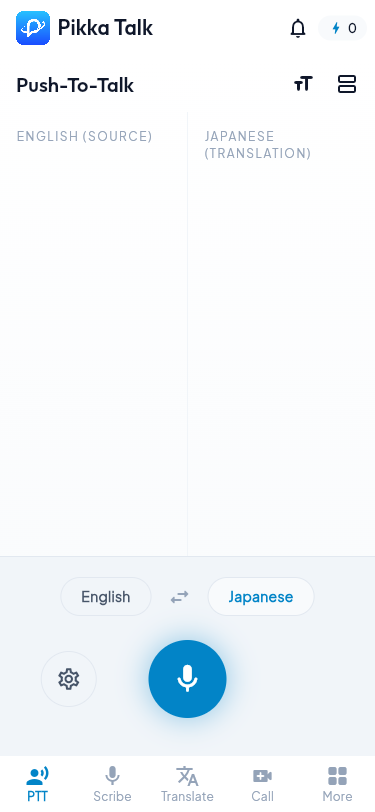
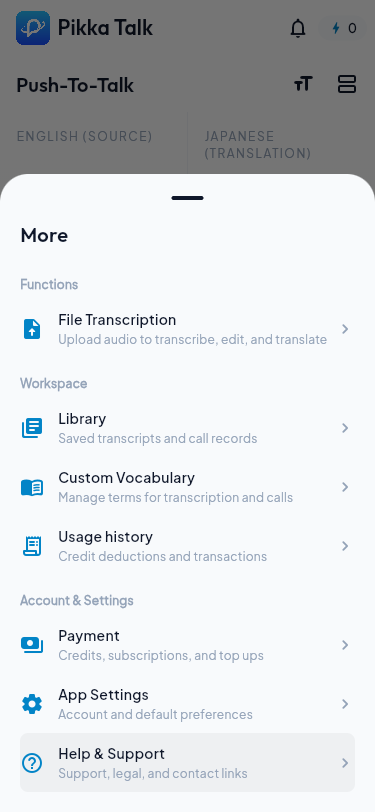
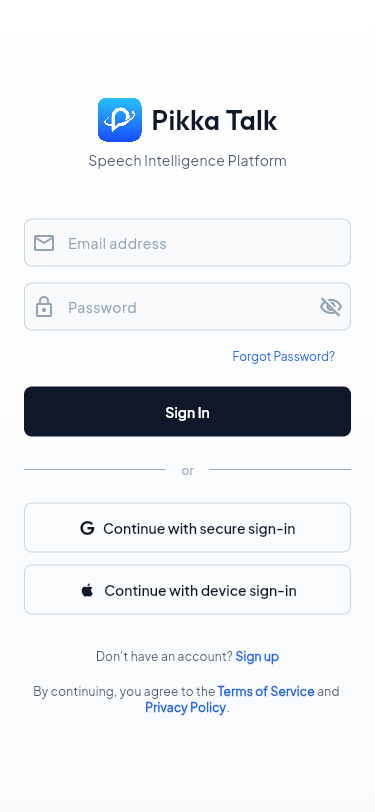
AI transcription, AI live captions, and AI subtitles
Three ways Pikka Talk turns live speech into readable, reusable text.
Core functions
These are the active Talk surfaces reflected in the app navigation and feature flow.
Virtual mic routing for real meetings.
The native Pikka Talk Bridge can expose a virtual microphone path for meeting apps. Normal speech passes through until PTT translation is active, then translated audio is routed into the meeting mic path.
Bridge health and status checks from the web app
Normal and translating bridge modes
Translated WAV audio handoff to the native bridge
Fallback browser output routing when native routing is unavailable
After the live session
Talk keeps the workspace useful after the call or recording has ended.
Saved Library
Search and filter Scribe, Translate, PTT, call, and upload records.
Transcript Detail
Review source text, translations, summaries, key points, audio follow, editor, and export choices.
Custom Vocabulary
Reuse terms, names, jargon, and context in live sessions.
Credits
Track balance, top up, and review usage history for realtime modes.
File Upload
Bring recorded media into the same transcript and review workflow.
Help and Legal
Public help, privacy, terms, agreement, and support contact surfaces.
From the blog
Deeper guides on AI transcription, AI live captions, and AI interpreter workflows.
Best AI Transcription Apps for Meetings
Compare apps by accuracy, latency, speaker labels, exports, privacy, and live captions.
Read more →How to Share Live Captions with Remote Participants
Use shareable caption viewers for remote attendees, classrooms, webinars, and hybrid meetings.
Read more →AI Interpreter App for Conversations
What AI interpreter apps should do for bilingual conversations and live speech workflows.
Read more →Live Captions for Zoom, Teams, and Google Meet
Compare built-in meeting captions with companion caption and transcript workflows.
Read more →Real-Time Voice Translation App
Evaluate voice translation apps by latency, turn-taking, captions, vocabulary, and privacy.
Read more →AI Transcription App for iPhone and Android
Mobile-first criteria for phone conversations, meetings, lectures, interviews, and multilingual work.
Read more →Frequently asked questions
Common questions about AI transcription, AI live captions, and AI subtitles in Pikka Talk.
Founder
Built from translation work, not from a demo.
Aery Goh founded Translife in 2005, then built Pikka AI from translation-field knowledge and programming. Pikka Talk is the conversation and meeting product in that suite.
Read the founder storyUse the product at talk.pikkaai.com.
PTT is the default entry point, with Scribe, Translate, Meeting, Library, Vocabulary, Credits, Help, and Settings available from the same workspace.
Open Pikka Talk