
Primary sources
Official vendor pages and the live Pikka product configuration.
Pikka Speech comparison hub
These guides compare product scope, event workflow, pricing model, audience access, language claims, production fit, and procurement questions. Every material competitor statement links to a current first-party source. Unknowns remain unknown.
Browse comparisons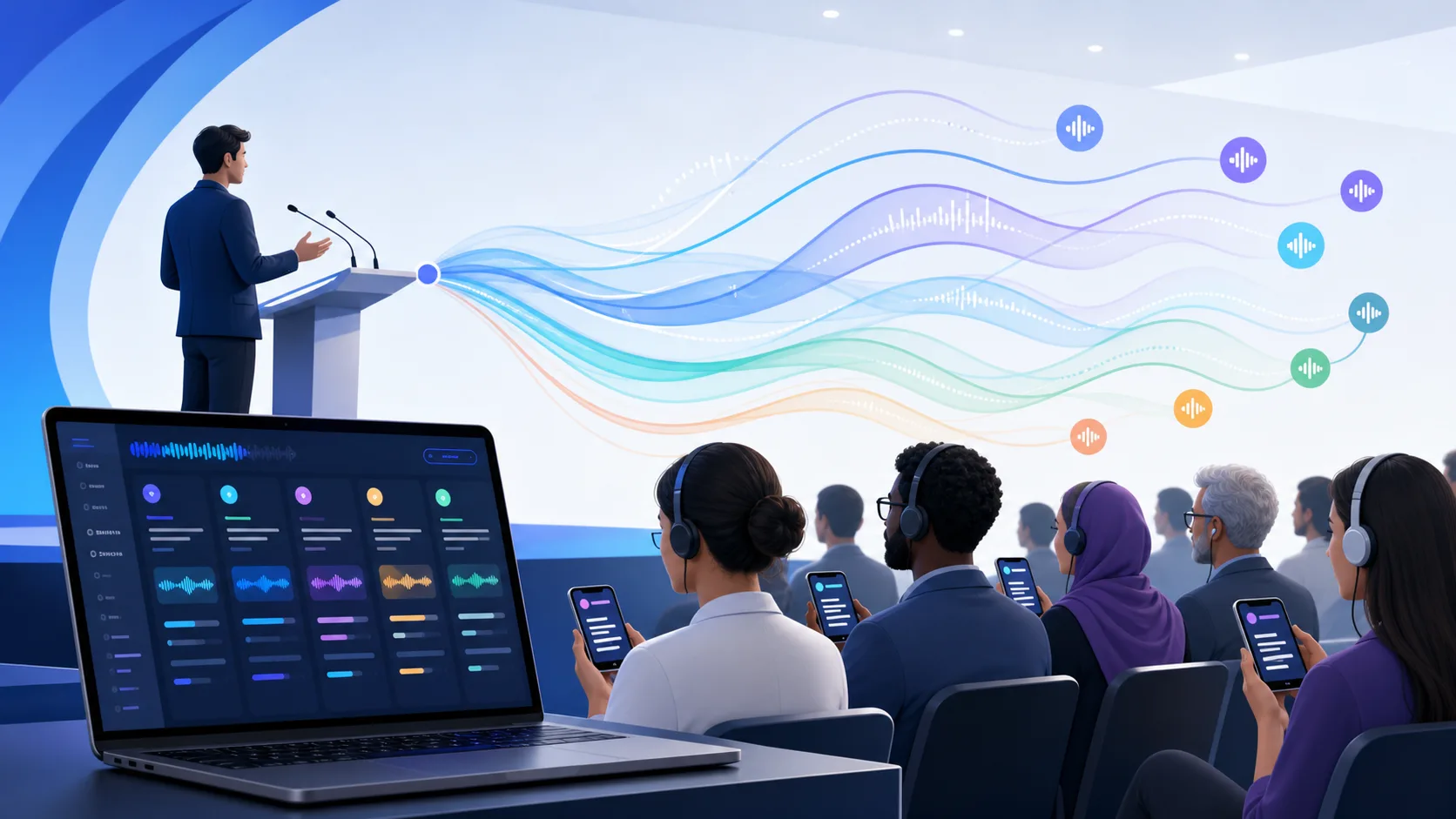
Official vendor pages and the live Pikka product configuration.
Published amounts are separated from quote-only or undisclosed prices.
Meeting SaaS, event rooms, browser listeners, and broadcast systems are not treated as identical.
The competitor's stronger use cases are named alongside Pikka's advantages.
Choose Pikka Speech when public per-event pricing, separate audio and text options, and mixed AI/human channel control matter most. Consider Wordly when annual hours, summaries, named integrations, and its published enterprise compliance posture fit your procurement model.
Choose Pikka Speech when you want transparent per-event units and a QR/browser listener flow for in-room audiences. Consider KUDO when you need embedded access inside meeting platforms (including Microsoft Teams), vendor-supported interpreter sourcing (including sign), or KUDO's published online-meeting capacity assumptions.
Choose Pikka Speech for a software-first multilingual event room with translated attendee audio and captions. Consider AI-Media when broadcast caption insertion, HD-SDI appliances, four production display modes, or on-premises captioning are central requirements.
Choose Pikka Speech when you want to price an event publicly today, buy audio or text per language, and carry interpreters you already have. Consider Interprefy when the vendor must supply professional or signed interpreters, a native meeting-platform integration is mandatory, or ISO 27001 procurement evidence is a gate.
Use the built-in feature when your audience is already in the meeting, your organization holds the qualifying licence, and your languages are on the vendor's list. Choose Pikka Speech when the audience sits in a room, when you need AI translated audio beyond the narrow built-in coverage, or when licensing listeners would cost more than the event.
Six options compared with sources, including the cases where staying with Wordly is the right decision. Diagnose whether your mismatch is commercial shape, interpreter sourcing, broadcast production, or a licence you already own — each points to a different alternative.
What a tested second option looks like when an annual hour pool runs out, a language is missing, or an event day fails: buy the fallback by event, verify the exact pair your audience needs, and rehearse the switch before show day — with honest guidance on when staying with Wordly is correct.
Keep a venue's working transmitter and receivers while Pikka Speech creates selected AI language channels. This is a strong fit when attendee Wi-Fi is weak but the production workstation can use dependable internet and a compatible professional audio route.
A minute-by-minute rehearsal plan to validate audio, language pairs, attendee join flow, and terminology. Includes a glossary lock (change-control) practice so last-minute edits don't become show-day failures.
A practical routing guide for venues retaining interpretation receivers: take a clean mixer feed, run Pikka on a production workstation, output via professional audio, and patch into a compatible transmitter input with end-to-end rehearsal.
If you have not yet narrowed the category, the pillar guide covers all four types of product competing for this budget and the five questions that decide a shortlist. The solution pages cover two specific event shapes in depth.
Price a multilingual event from published units, with the arithmetic shown. Free, no sign-up.
Four categories, worked cost scenarios, an operator runbook, and how to read a language claim.
A webinar where each attendee hears their own language rather than reading subtitles, with camera and screen video.
Keep an existing transmitter and receivers while adding AI language channels without an interpreter booth.
Start with the workflow, not the brand name. An event organizer distributing translated audio to attendee phones has a different problem from a broadcaster inserting regulated captions into an SDI program feed. A platform may be excellent in one workflow and unnecessarily complex in the other.
Next, calculate the exact event. Record source languages, target languages, expected and maximum listeners, duration, audio versus text delivery, display captions, video, rehearsal, glossary needs, exports, integrations, and support. Compare written quotes against that same requirement set. Do not compare a public starting amount with a competitor's fully supported enterprise package.
Finally, test with your audio, vocabulary, devices, venue network, and accessibility stakeholders. None of these pages declares an accuracy winner because no controlled, independent, like-for-like benchmark covering the compared products was available for this review. Product fit is a decision; marketing copy is only evidence when the underlying claim can be checked.