Real-Time Translation for Remote Teams
On this pageSection guide
Remote teams often need more than translated chat. They need spoken meetings, customer calls, training sessions, and quick conversations to work across languages without losing decisions or context.
Short answer
Real-time translation helps remote teams by turning live speech into translated text or audio during meetings, then preserving transcripts for follow-up, training, and accountability.
Remote language gaps show up in meetings
Multilingual teams can read translated documents, but live meetings still create friction. People hesitate, miss nuance, avoid asking questions, or leave decisions unclear.
Text, audio, and transcript each do a job
Translated audio helps people follow the flow. Captions help people verify meaning. Saved transcripts help the team check decisions after the meeting.
Use different modes for different conversations
Always-on captions work for listening. Push-to-talk works for deliberate turns. Meeting transcription works for records. A good tool should let the team choose the mode that fits the moment.
Create a follow-up habit
After multilingual meetings, share decisions, owners, dates, and any uncertain translation points. The transcript should make follow-up clearer, not just longer.
Where Pikka Talk fits
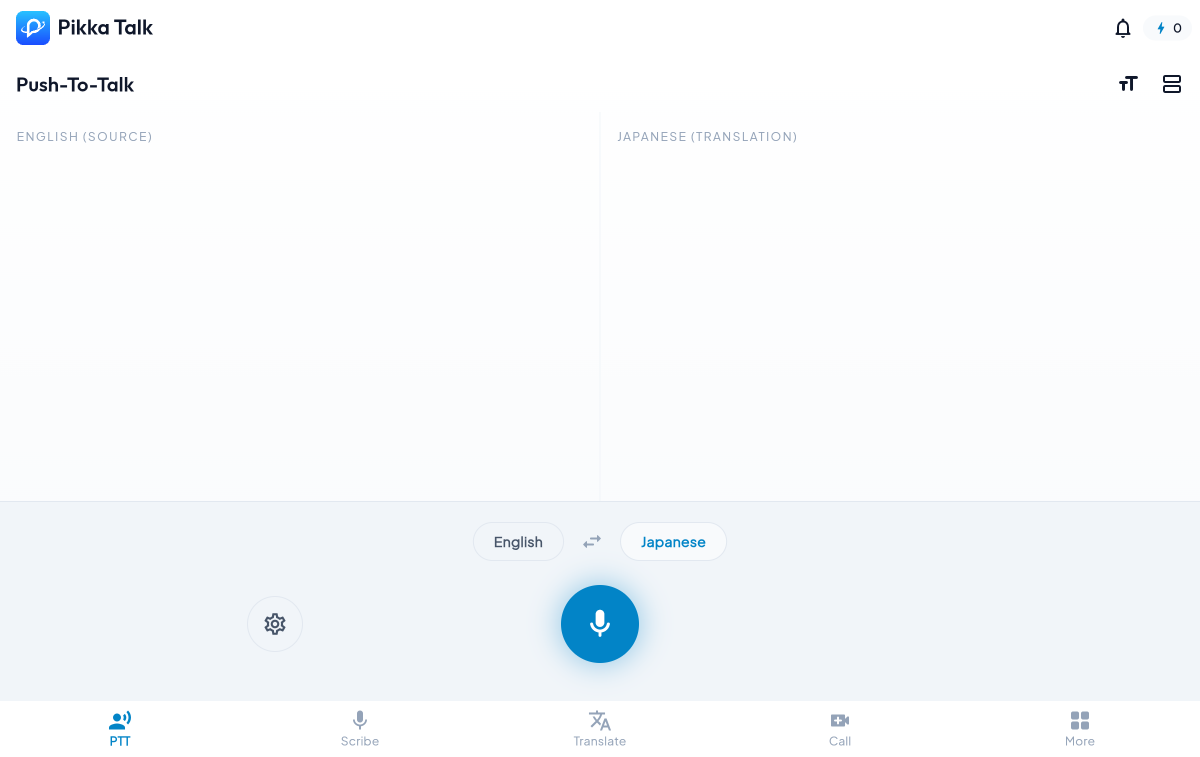
Pikka Talk combines Translate, Push-To-Talk, Smart Scribe, meeting modes, captions, vocabulary, and saved transcripts so remote teams can choose the right live language workflow.
Explore the main Pikka Talk AI transcription and live captions page, or open Smart Scribe at talk.pikkaai.com when you are ready to test it on your own voice.
Related Pikka AI resources
Further reading
FAQ
Can remote teams use real-time translation in meetings?
Yes. Real-time translation can provide translated captions, text, or audio while the meeting is happening.
Is translated audio or translated text better?
Translated audio helps flow. Translated text helps verification. Many teams benefit from both.
How does Pikka Talk help remote teams?
Pikka Talk supports live translation, Push-To-Talk interpretation, captions, Smart Scribe transcripts, and saved review workflows.